
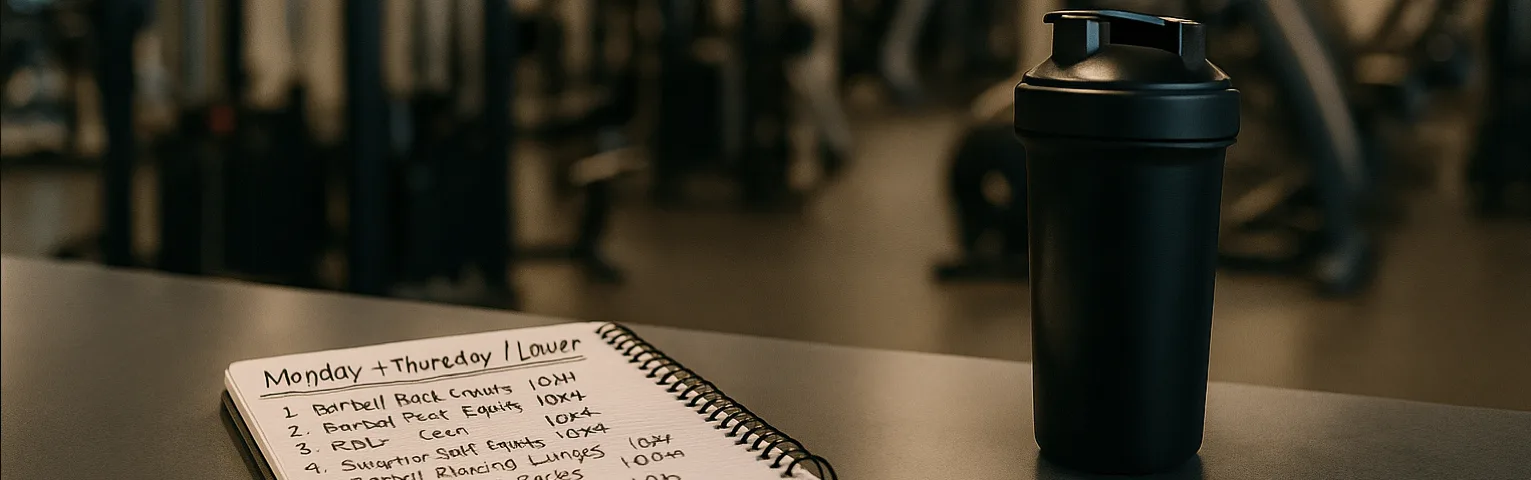
Your Guide to Crafting the Perfect Mix
Our Multi-Step Mixer empowers you to create personalized nutritional blends tailored to your specific needs and preferences. This guide will walk you through each step of the process, ensuring you can confidently craft your ideal mix.
How to Create Your Custom Mix: A Step-by-Step Guide
Select Container Size
Choose the total weight of the supplement container you wish to purchase (e.g., 2 lbs, 5 lbs). This determines the total amount of your custom blend.
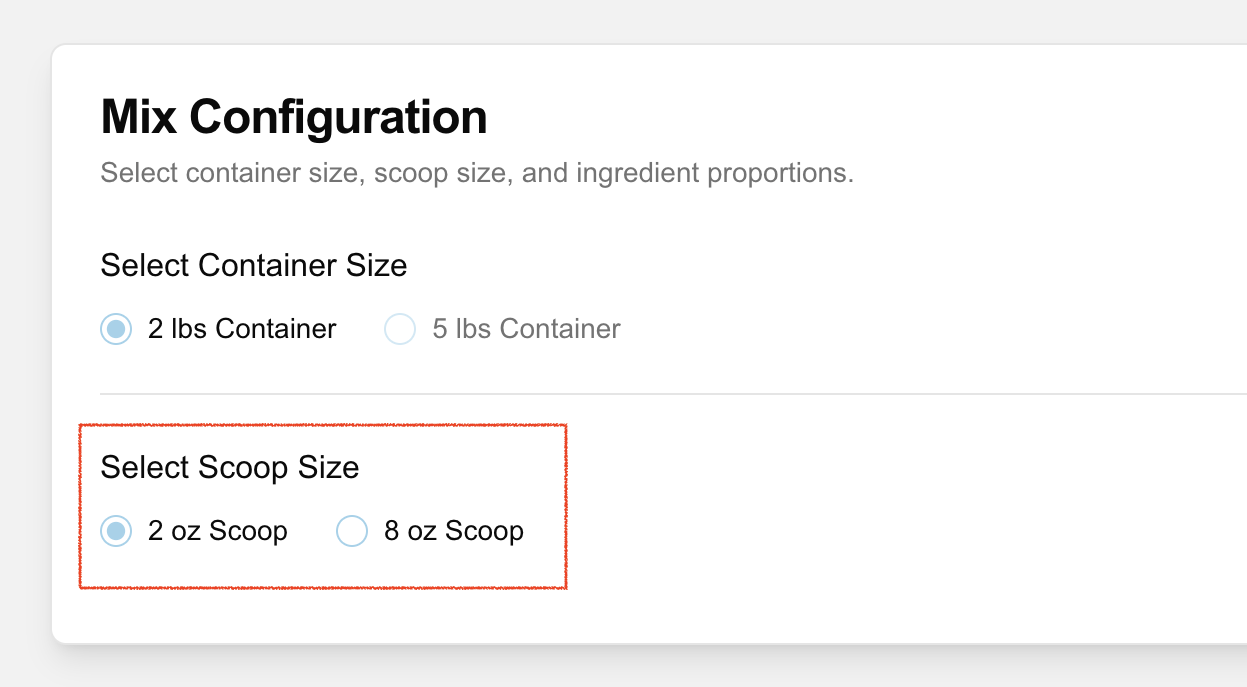
Select Scoop Size
Pick your preferred scoop size (e.g., 2 oz, 8 oz). The nutritional information displayed later will be calculated based on this scoop size, helping you understand the macros per serving.
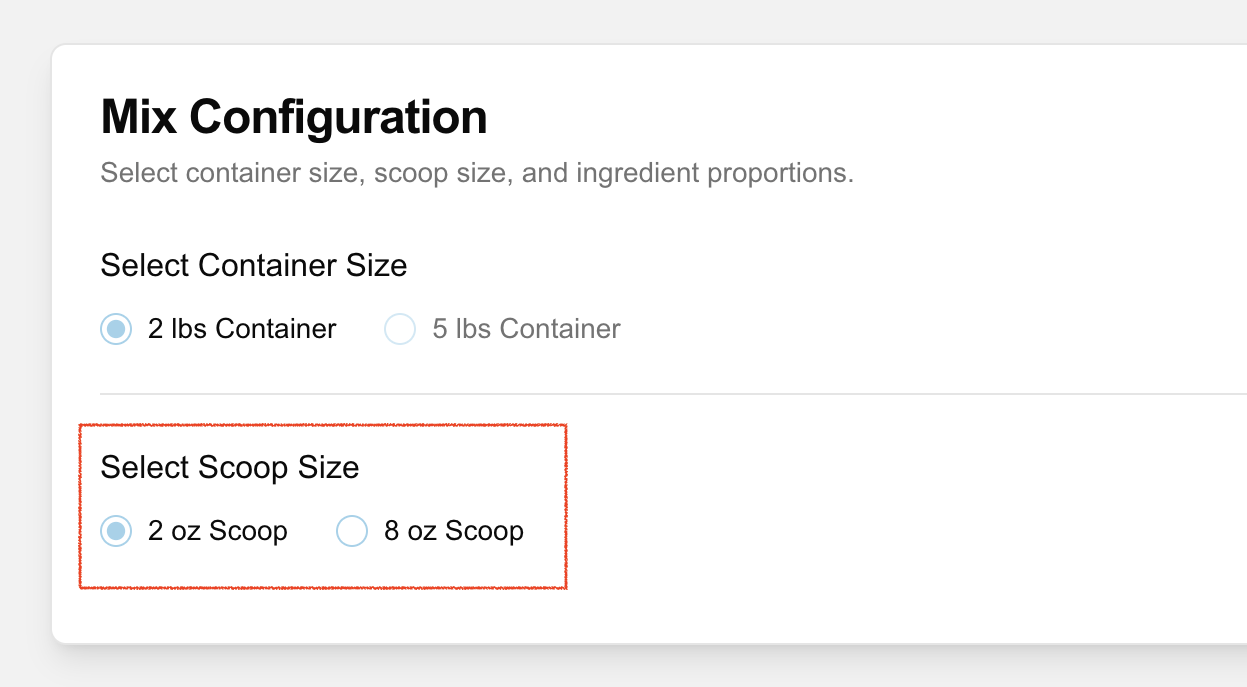
Browse Ingredient Categories
Ingredients are grouped by categories like 'Natural Carbs', 'Protein', and 'Add-ons'. Explore each category to find the components that fit your nutritional plan.
Adjust Percentages
For each ingredient you want to include, enter a percentage value in its input field. This determines how much of that ingredient will be in your final mix relative to others.
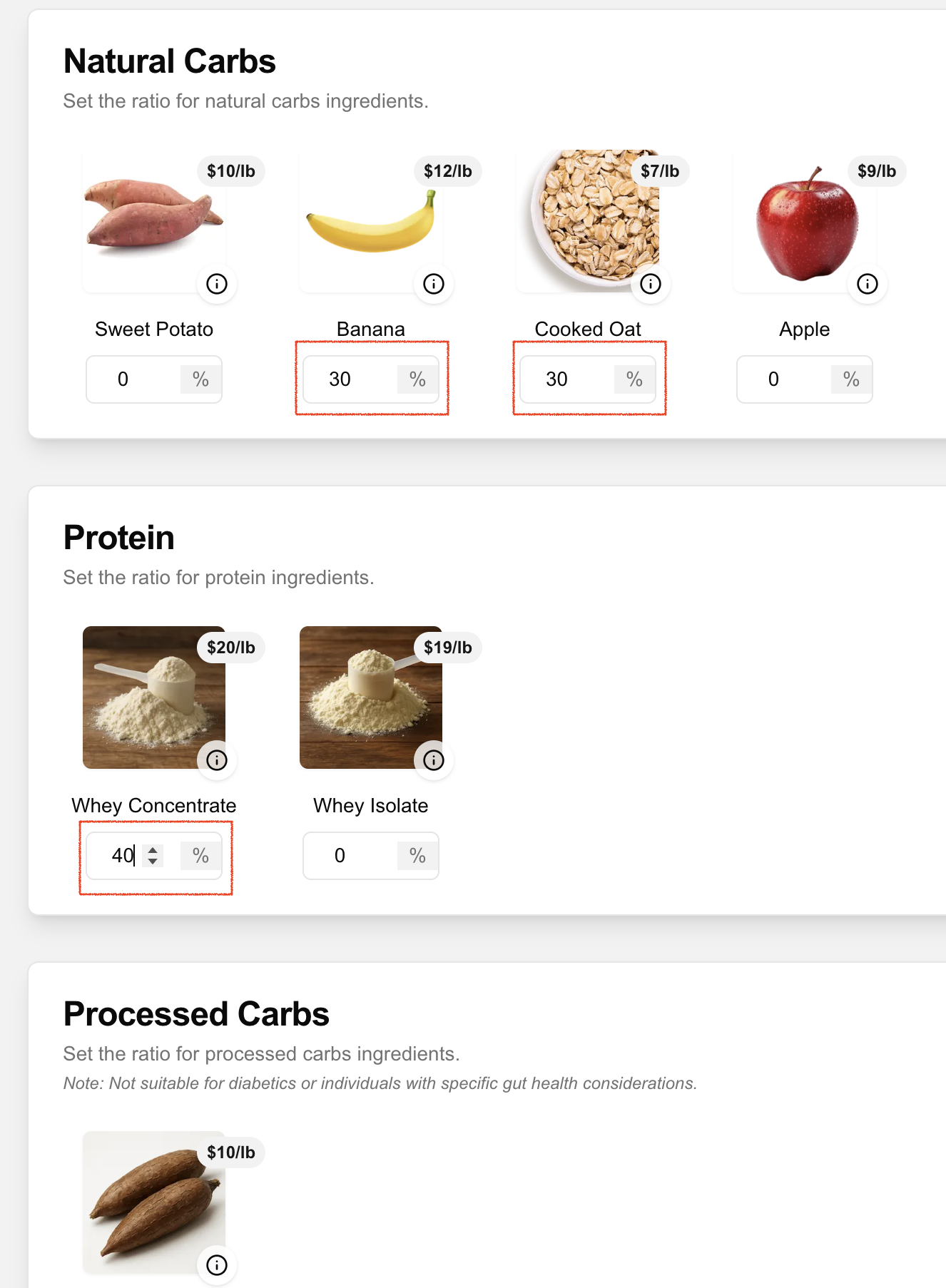
Ingredient Information
Click the icon on an ingredient's image to view more details, including nutritional notes and a larger picture.
Total Ratio Must Be 100%
The "Total Ratio" displayed in the summary panel must add up to exactly 100% before you can add the mix to your cart. Adjust your ingredient percentages until this target is met.
Nutritional Information Panel
This panel shows the estimated macronutrients (calories, protein, carbs, fat, fiber, sugar) per selected scoop size. This helps you see if the mix aligns with your dietary targets per serving.
Estimated Price
The total estimated price for your chosen container size is displayed. You'll also see a breakdown of how much each ingredient contributes to the total cost.
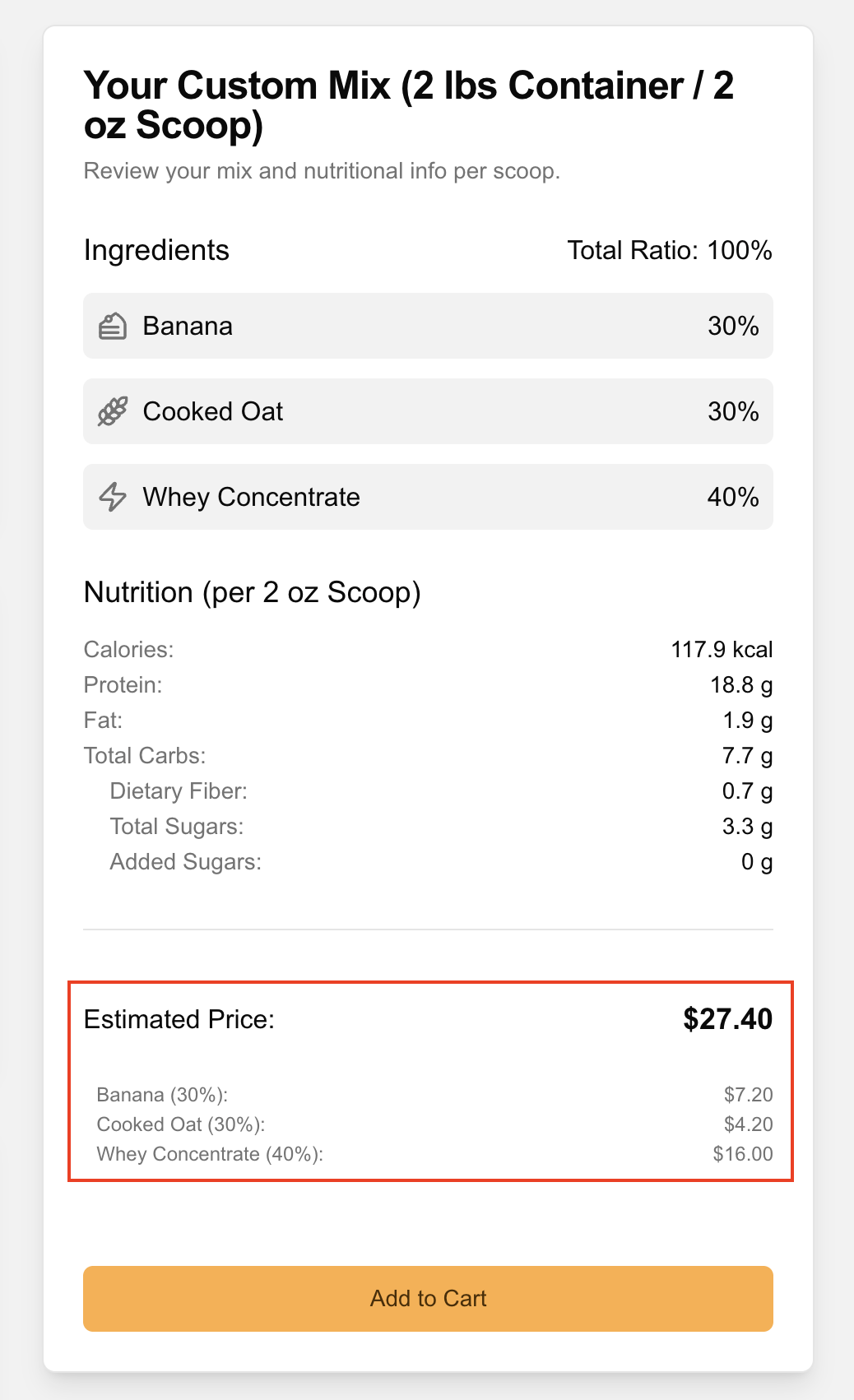
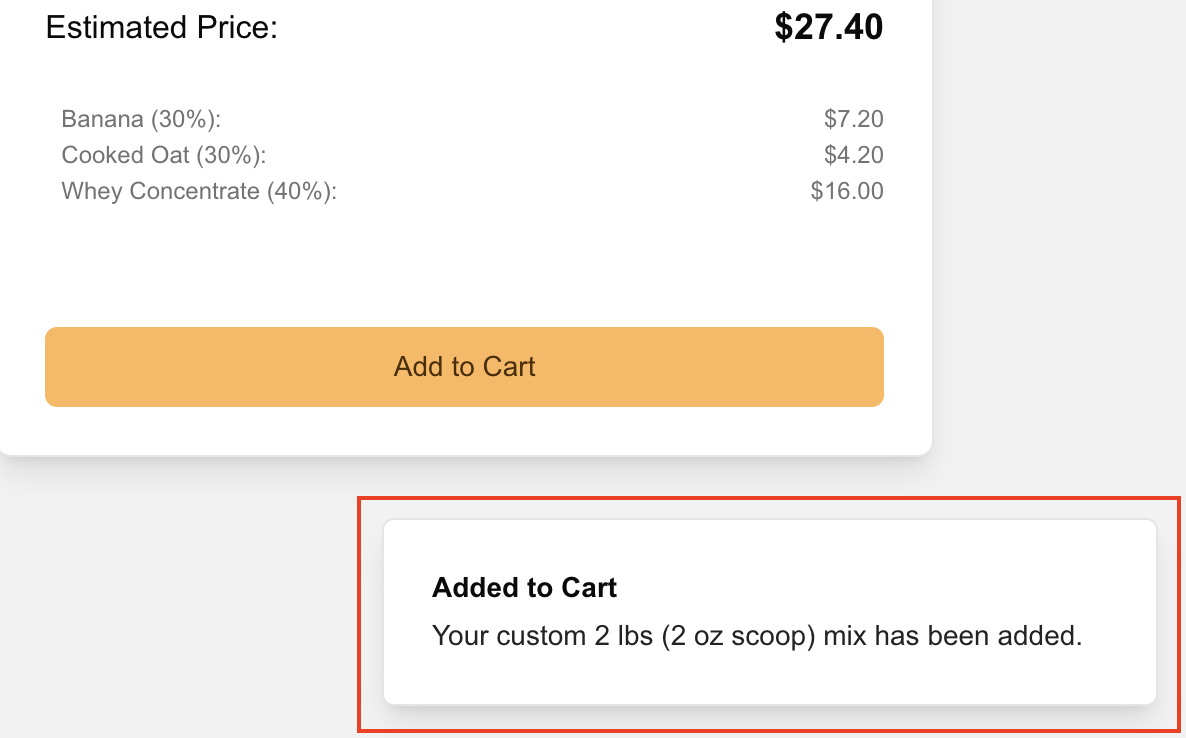
Click the "Add to Cart" button. A confirmation message (toast notification) will appear, and your custom mix will be added to your shopping cart. You can then proceed to checkout or continue shopping.
Tips for Success
Choose 1-2 primary ingredients (e.g., a protein source and a carb source) to form the bulk of your mix.
Don't be afraid to try different combinations and ratios. The Samples page is great for testing smaller quantities.
Pay attention to specific ingredient notes, like usage limits (e.g., Maltodextrin) or suitability for certain diets.
Mixer FAQs
Ready to Create?
Now that you know how it works, head over to the mixer and start crafting your personalized nutritional blend!
Go to the Mixer